Clearer meeting bot failure messages
Cuckoo now shows in-context banners when the meeting bot cannot join, is waiting for admission, or needs recording permission. Each message explains what happened and offers the appropriate next step.


Stay up to date with Cuckoo's latest product features and improvements.
Cuckoo now shows in-context banners when the meeting bot cannot join, is waiting for admission, or needs recording permission. Each message explains what happened and offers the appropriate next step.
Search any meeting transcript for a key term or phrase. Timestamped summaries now take you straight to the relevant moment in the transcript.

Change meeting languages from the About panel and delete unwanted transcript segments. You can also collapse repeated speaker labels and use refined scroll controls to move through longer conversations more easily.
Cuckoo is now available on iOS, so you can bring real-time translation into in-person and online meetings from your iPhone.
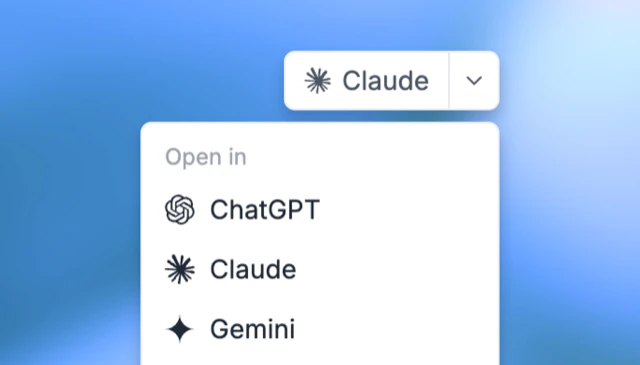
Auto Keywords extracts important terms from recent meetings to improve future translations. You can also open translations directly in ChatGPT, Claude, or Gemini for follow-up questions and analysis.
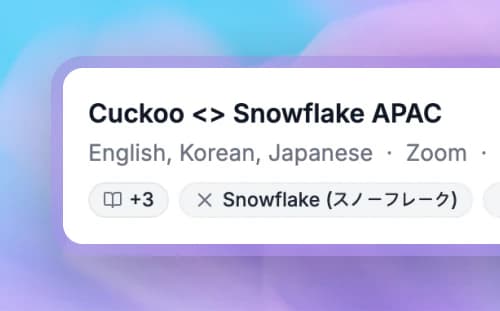
Cuckoo's desktop app brings live translation to any meeting without a bot. A transparent overlay keeps translations visible without covering your work, while speaker labels make in-person conversations easier to follow.
Connect your calendar to have Cuckoo join recurring meetings automatically. You can also correct a mistranslation in one language and instantly update it across every translated language.